


NextGen: Omni~View Online 101
Your starting point for NextGen. We walk through logging in, navigating the workspace, finding customers, units, and orders, and the everyday tips that get your team comfortable fast. Ideal before (or right after) your team goes live.
Legacy: Omni~View Desktop 101
The essentials of Omni~View Desktop for new team members and anyone who wants a refresher: navigation, key screens, and the daily workflows your business runs on.
NextGen: Omni~View Online 101
Your starting point for NextGen. We walk through logging in, navigating the workspace, finding customers, units, and orders, and the everyday tips that get your team comfortable fast. Ideal before (or right after) your team goes live.
NextGen: Purchase Orders & Inventory
Purchase Orders & Inventory in NextGen Omni~View Online Track your fleet and inventory in NextGen, create and receive purchase orders for new units and supplies, and keep counts and statuses accurate across locations.
NextGen: Omni~View Online 101
Your starting point for NextGen. We walk through logging in, navigating the workspace, finding customers, units and orders, and the everyday tips that get your team comfortable fast. Ideal before (or right after) your team goes live.
NextGen: Customers, Quotes & Orders
Customers, Quotes & Orders in NextGen Omni~View Online The sales workflow from first call to booked order: building customer records, creating quotes, and converting them into orders in NextGen.
NextGen: Omni~View Online 101
Your starting point for NextGen. We walk through logging in, navigating the workspace, finding customers, units and orders, and the everyday tips that get your team comfortable fast. Ideal before (or right after) your team goes live, or as a refresher.

NextGen: Omni~Connect
Get more from every customer interaction: the enhanced Customer Card, Tasks, Communications, Omni~Mail, Event Notifications (automatic customer texts and emails), and E-sign.

NextGen: Billing — Customer Billing, Payments & Invoices
Billing — Customer Billing, Payments & Invoices in Omni~View Online Set up customer billing, generate and manage invoices, and record and apply payments in NextGen so you get paid accurately and on time.
Legacy: Omni~View Desktop 101
The essentials of Omni~View Desktop for new team members and anyone who wants a refresher: navigation, key screens, and the daily workflows your business runs on.
NextGen: Omni~View Online 101
Your starting point for NextGen. We walk through logging in, navigating the workspace, finding customers, units and orders, and the everyday tips that get your team comfortable fast. Ideal before (or right after) your team goes live, or as a refresher.

NextGen: Dispatch & Mobile Dispatch
Schedule and assign deliveries, pickups and service in NextGen, and see how drivers use Mobile Dispatch in the field to complete stops and capture details.
Legacy: Omni~View Desktop 101
REGISTRATION OPENS IN MARCH!
NextGen: Omni~View Online 101
REGISTRATION OPENS IN MARCH!

Legacy: Parts & Work Orders
REGISTRATION OPENS IN MARCH!
Legacy: Omni~View Desktop 101
REGISTRATION OPENS IN MARCH!





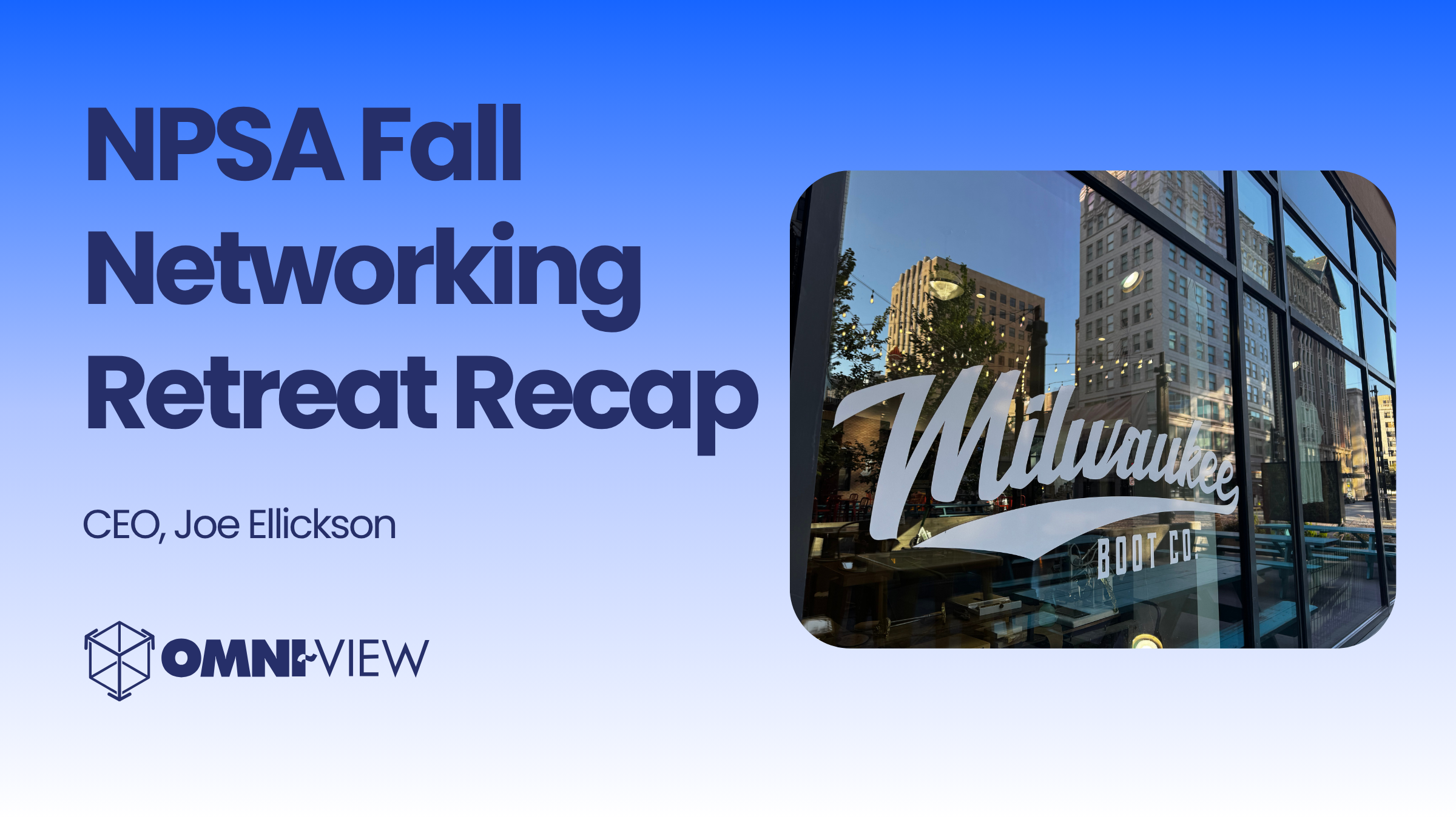
Event Recap · Portable Storage Industry NPSA Fall Networking Retreat 2026 Recap Joe Ellickson, CEO, Omni~ViewMilwaukee, Wisconsin Milwaukee sign In this recap: Coming Home ·
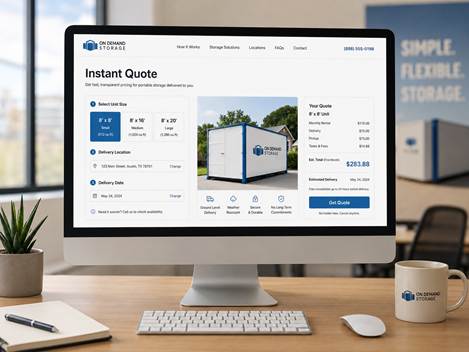
More than ever, people want to be shopping online, friction-free. I’ve spent a lifetime working on business growth structures; how businesses connect with customers, and

Discover how system-integrated credit card payments reduce manual work, simplify payment processing, and improve financial visibility for portable operators
